Employee Time Logging - News
OpenProject Integration
Working hours can now also be imported from OpenProject. In addition to importing iCal and CSV
files, OpenProject can now also be integrated with Goodtime. The integration uses the OpenProject
API and can be configured in the settings.
More information about the integration can be found here.

New Time Type Statistics Available
A new time type statistics report is now available. It enables detailed analysis of recorded time
entries by time type, providing clearer insights into time tracking data.
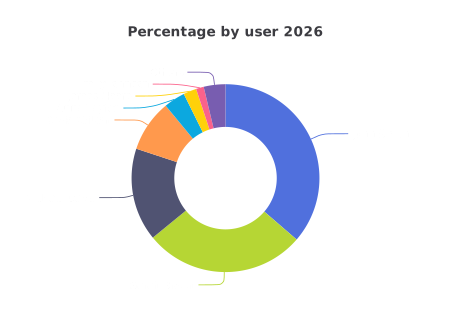
New Teams
Goodtime is launching a new team feature that allows employees to be grouped into teams. Users can be easily grouped into any teams, making
employee organization – especially in larger companies – much easier.

The feature can be activated in the settings and is available immediately.
Custom Data Fields
"Business ratios" have now been renamed to "Custom Fields". This term has become common in the context of time tracking software in recent years and seems easier to understand;
With custom fields, any data fields can be defined, which can optionally be saved along with the time entry. Examples include mileage, material usage, expenses, etc. The functionality and operation remain unchanged. Custom fields must be activated in the settings.
Employee Groups for User Managers
It is now possible to assign more precise permissions to user managers for managing specific employee groups. Before this feature was introduced, user managers could only be granted access to the user-specific settings for all employees. More detailed permissions for individual employees are particularly beneficial in large teams or organizations.
EPC QR (GiroCode) for Invoices
All invoices now include an EPC QR code (GiroCode). Simply scan it with your banking app and all payment details will be filled in automatically.
Date and Time Selection
The selection of date and time for Goodtime has always been possible without a keyboard on mobile devices. On computers with a keyboard, entering data via the keyboard is generally faster, which is why this input method is offered as the default option here. However, many Goodtime users also wanted the option to select the date and time with the mouse on desktop computers. You can now choose between input methods in the settings:
Settings (small gear icon in the top right) → Personal Settings → Date and time selection with: Mouse | Keyboard